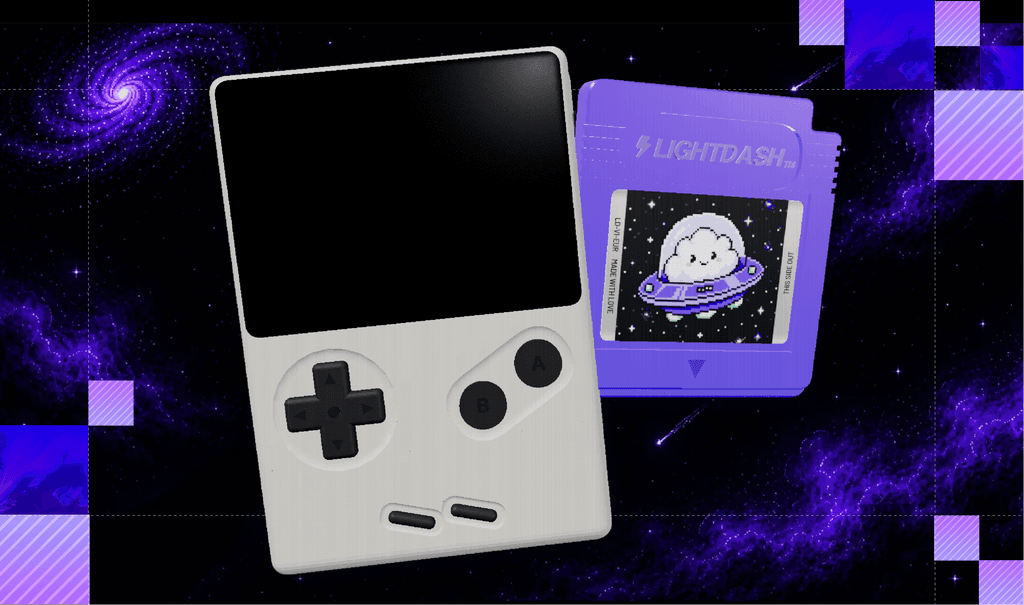





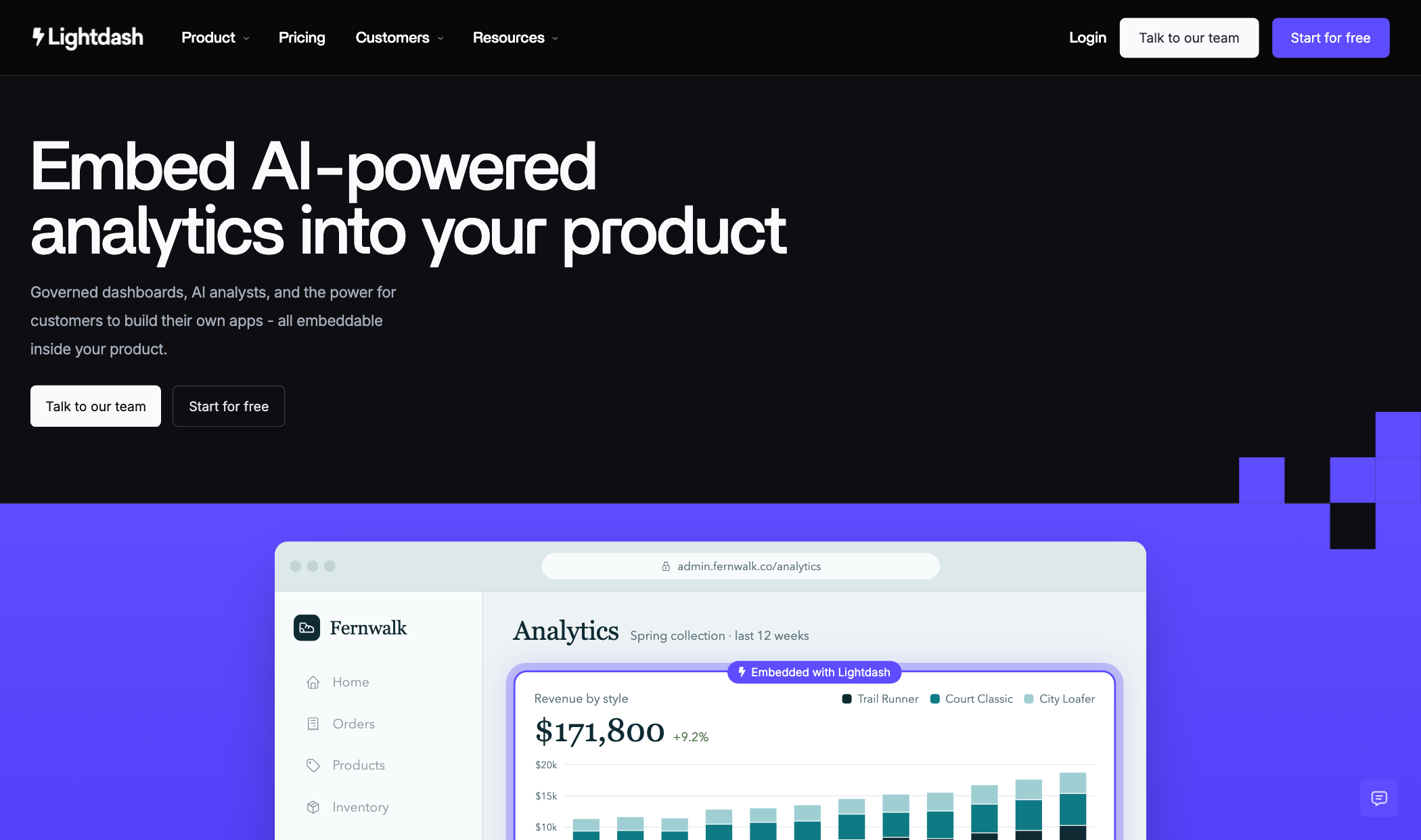
A website CMS makes one promise: a designer never has to touch code. At Lightdash, that promise had stopped making sense. Everyone here codes, and our last homepage (our iconic Game Boy) was already running as code embedded in a Framer page.
So, for our next refresh, I decided to take the whole website out of Framer. I wanted everything in one place: a Next.js repo on GitHub, where design, build, and copy happen together, and every merge to main deploys itself to the live site. The rebuild took about a month, and a new page now ships in half a day.
Vibecoding the site with AI wasn’t too difficult, but we hit quite a few problems, and all of them were about control: keeping brand design consistent when agents are building the pages, and letting the whole team ship without breaking anything.
If you’re toying with the idea of moving off your CMS, here are some things to keep in mind.
AI drifts off-brand, so write the rules down first
Before building a single page, I wrote a style guide every agent had to follow: one neutral colour ramp and one accent, a simplified type scale, a spacing grid, and one shared set of component styles. I built the homepage on it first, and its components became the blueprint for every other page. Once the homepage was right, the rest of the site was mostly assembly.
But rules on their own weren’t enough. When a page got busy, agents drifted and reached for a one-off font size, a near-miss colour, or an uppercase label. So I hardwired a drift check into the flow. It scans the code against the style guide, and a pre-push hook runs it with lint, the typecheck, and the visual checks - and nothing goes out until all of them pass. The first run flagged a lot of drift, but by the next day, we’d cleared it to 0.
Rebuild your product visuals as code
Product visuals are one of the strongest parts of a company website. They have to be compelling enough to make people want to learn more, while staying true to the product. Most of our product visuals were flattened images exported from Figma, so every time the product changed (which was often), I had to edit the file, re-export it, and re-upload it.
So, I used this as an opportunity to rebuild them all in code on one kit: one set of colours, corners, strokes, spacing, and type. They now render live across 7 product pages, and a copy change is a text edit instead of a re-export.
After making the kit, I wrote the rules for building a product visual and saved them as a skill. Now, I drop in a screenshot of a feature, and the agent picks one of five preset layouts, rebuilds the content on the kit, maps the colours onto our palette, and checks for clipped text and bleeds. I used to do all of this by hand; now an agent does it in minutes.
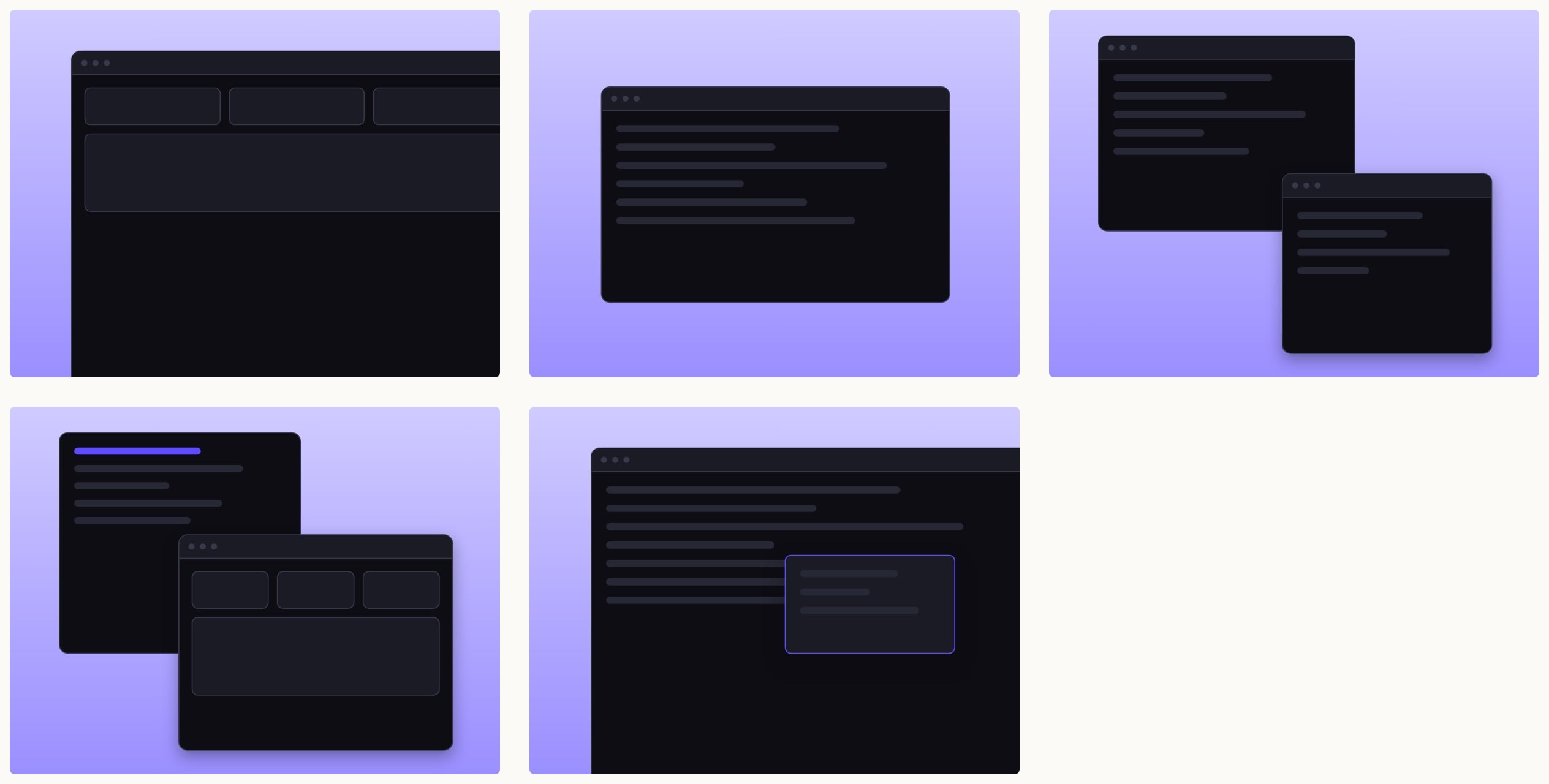
This flow isn’t perfect. The checks still miss things only a person can catch, like two labels landing on top of each other, so I check every visual before it ships. But anyone can now turn a screenshot into a website-ready visual without waiting on design.
A site only the designer can edit is just a new bottleneck
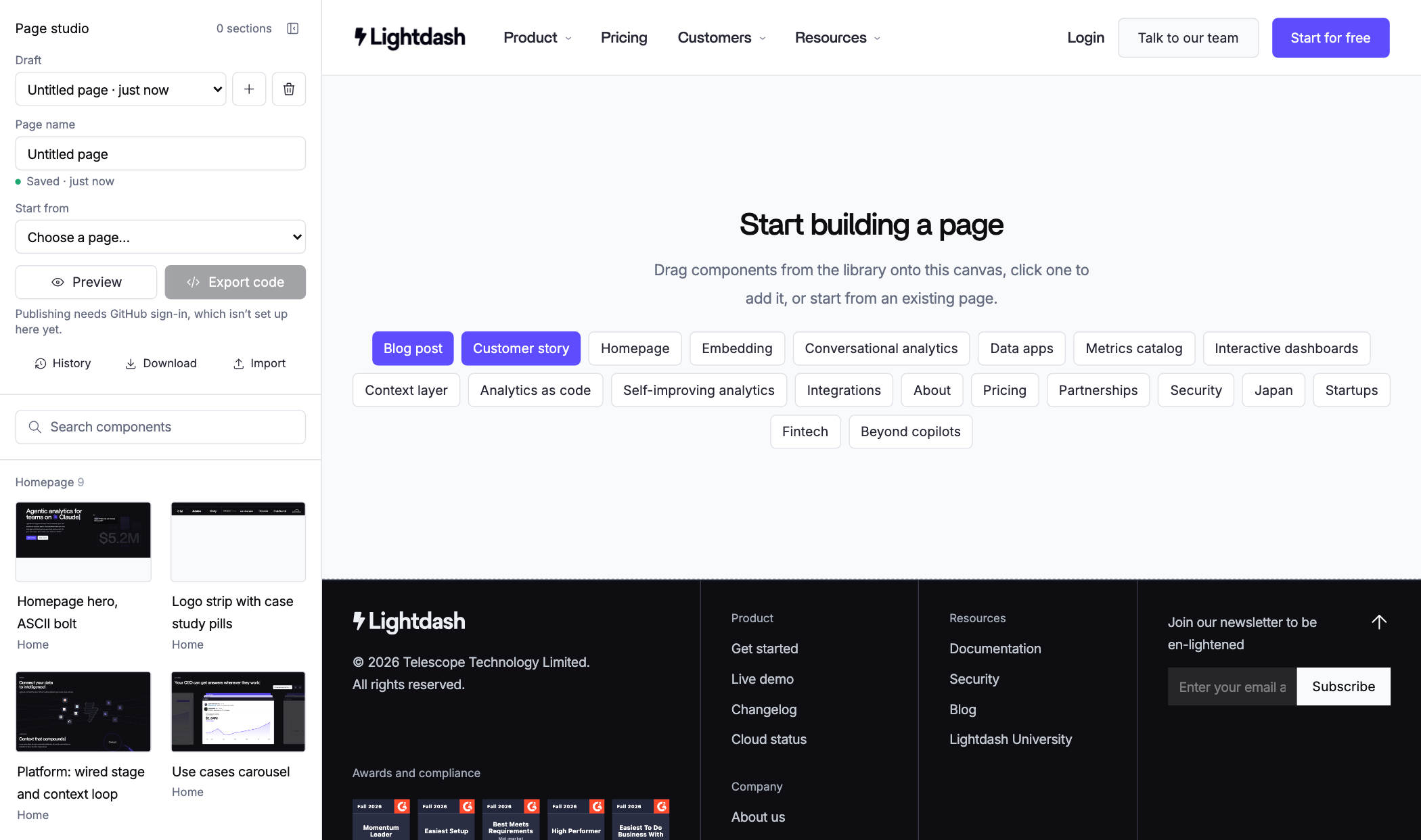
Moving out of Framer could easily have swapped one problem for another (and it nearly did): a site in code that only the designer can touch. I didn’t want to be a bottleneck for quick changes, so I built a page studio into the site.
With the page studio, anyone on the team can drag and drop components, edit text and images, and ship. Think of it as a lightweight internal CMS that replaced Framer.
Use the opportunity to build internally
We also used this opportunity to get rid of anything on our website that wasn’t serving us anymore. One example: our support chatbot.
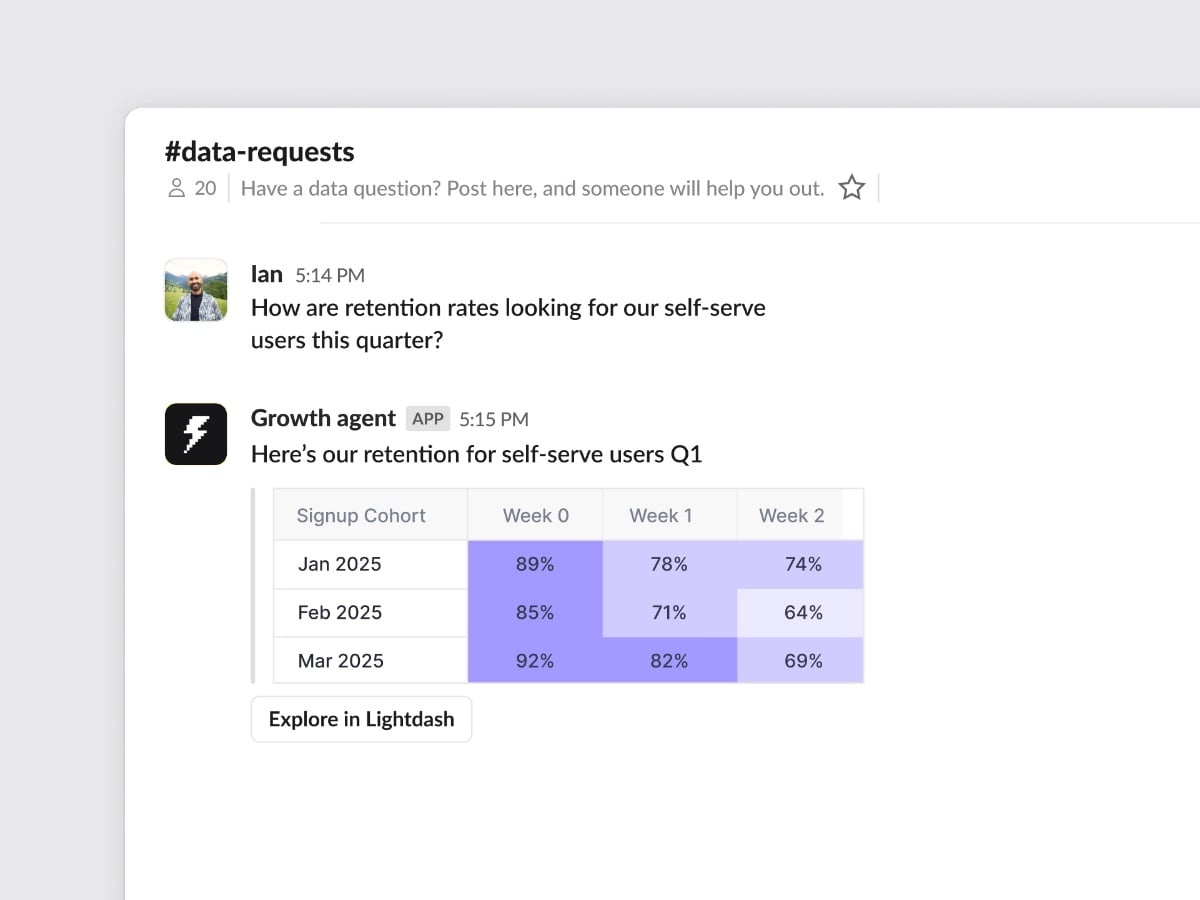
We paid for Intercom and only used it for the website chat, which wasn’t worth the money. So I built our own chatbot for the website, linked to Slack. When someone asks a question, it opens a thread in #website-questions with their details, and every reply in that thread goes straight back to the chat on the site. That’s one less subscription and no new inboxes to check.
A year ago, this wouldn’t have been possible
I’ve always been an avid Framer ambassador. I still love the tool and see its value, but it had started to slow me down, and I asked myself: how could I ship faster and have more creative control?
Building with AI still feels like alien technology, and I know I’m only scratching the surface. But a year ago, owning the front end and the back end of our website wasn’t an option for me as a designer. Now the question isn’t whether a designer should touch code. It’s why we spent so long being told we shouldn’t.
The new site is live at lightdash.com. Check it out, and let us know what you think!