


Not so long ago, building a dashboard would take your data team days. Now, it can take minutes. In Lightdash, all you have to do is describe what you need in plain English, have an agent build it in minutes, then review it and ship it.
Building more charts and dashboards at record speed is great. But how do you look after everything once it’s built?
More often than not, your project starts filling up with charts for one-off analyses, dashboards nobody opens, and visualisations that broke when something upstream changed. The thing is, building and shipping faster is only half the job of an agentic data platform. The other half is making sure the content stays useful.
And that’s why we built Autopilot.
What is Autopilot?
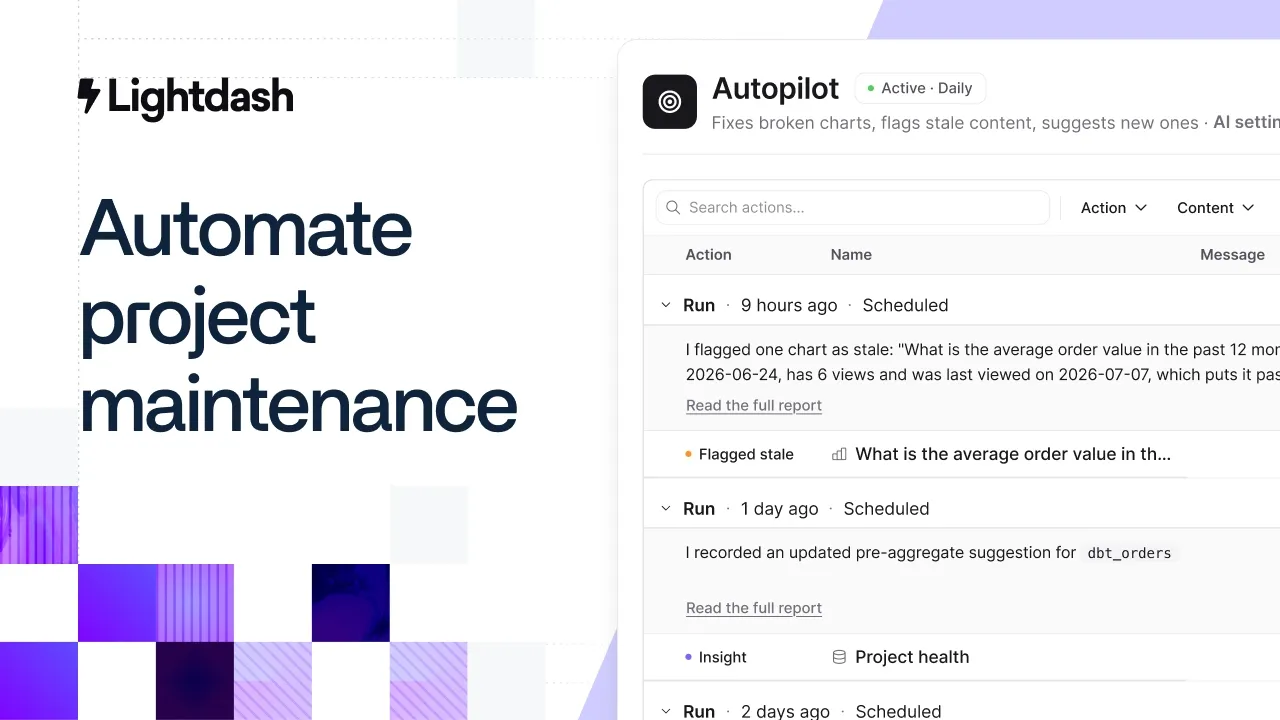
Autopilot is an agent that maintains your Lightdash project for you. It runs on a schedule to clean up stale charts and dashboards, repair broken charts, and flag issues that need your data team’s attention. You choose what it can change - just set it to run overnight, and wake up to a report of what it found.
Doing this work isn’t hard. It just takes up a lot of time and asks you to assume a lot of responsibility. I mean, nobody wants to be the person who accidentally bins the CFO's quarterly dashboard. So cleanup falls under the radar, unwilling to be picked up by anyone.
But Autopilot makes it a job that gets done.
It goes further than telling you what’s stale
BI tools already show you which dashboards aren’t being used by your team. They’ll flag content as stale and leave it there for someone on your data team to review. But someone still has to go through it and decide what to do.
Autopilot is different. We’re not like other BI tools (sorry - I had to). During each run, it:
Retires stale charts and dashboards nobody has opened.
Repairs charts that are broken.
Flags slow queries and suggests pre-aggregates to speed them up.
Surfaces popular content that’s buried in your project.
Identifies content whose owner has left the team.
At Ollie, dashboard cleanup used to be a manual job that rarely happened. Now it runs on a schedule. In four months, Autopilot retired more than 400 stale charts and dashboards for the data team.
"Before Autopilot, dashboard cleanup was a manual job that rarely happened. Now it runs in the background. We can restore anything it removes, and after months of scheduled cleanup, nobody has complained that anything important is missing."
- Ben Pannell, Tech Lead, Data Engineering @ Ollie
Read Ollie’s full story here →
How can you trust Autopilot won’t delete anything important?
We know that an agent like Autopilot is only going to be useful if you trust it unsupervised, and that’s why we made it fully customisable to suit your needs:
Pick a mode. Set Autopilot to only observe and report on what it finds. So, it’ll flag content but never delete or create anything.
Set the rules. Choose which spaces it works in, set your staleness threshold, and protect verified content.
Check its work. Every action appears in an activity log, with the reason behind it.
Restore removed content. Anything Autopilot deletes goes to the trash, where an admin can restore it.
Across 40 customer organisations, Autopilot has already taken more than 21,000 actions. It also runs on the model your organisation already uses, Anthropic or OpenAI, with your own key if you'd prefer.
How to start using Lightdash Autopilot
Autopilot is generally available today. If you’re a Lightdash customer, open your project’s home page and switch it on.
And if you’re new to Lightdash, start a free trial or talk to our team to get started today.
Ready to free up your data team?
Try out our all in one open, developer-loved platform.