


Ask your data a question. Trust every answer that comes back.
Lightdash AI agents answer questions in plain English using your governed semantic layer.

The data teams that stopped being a ticket queue.

Ask questions where you already work.
The question usually lands in Slack or on a dashboard. The answer should land there too.
In the dashboard
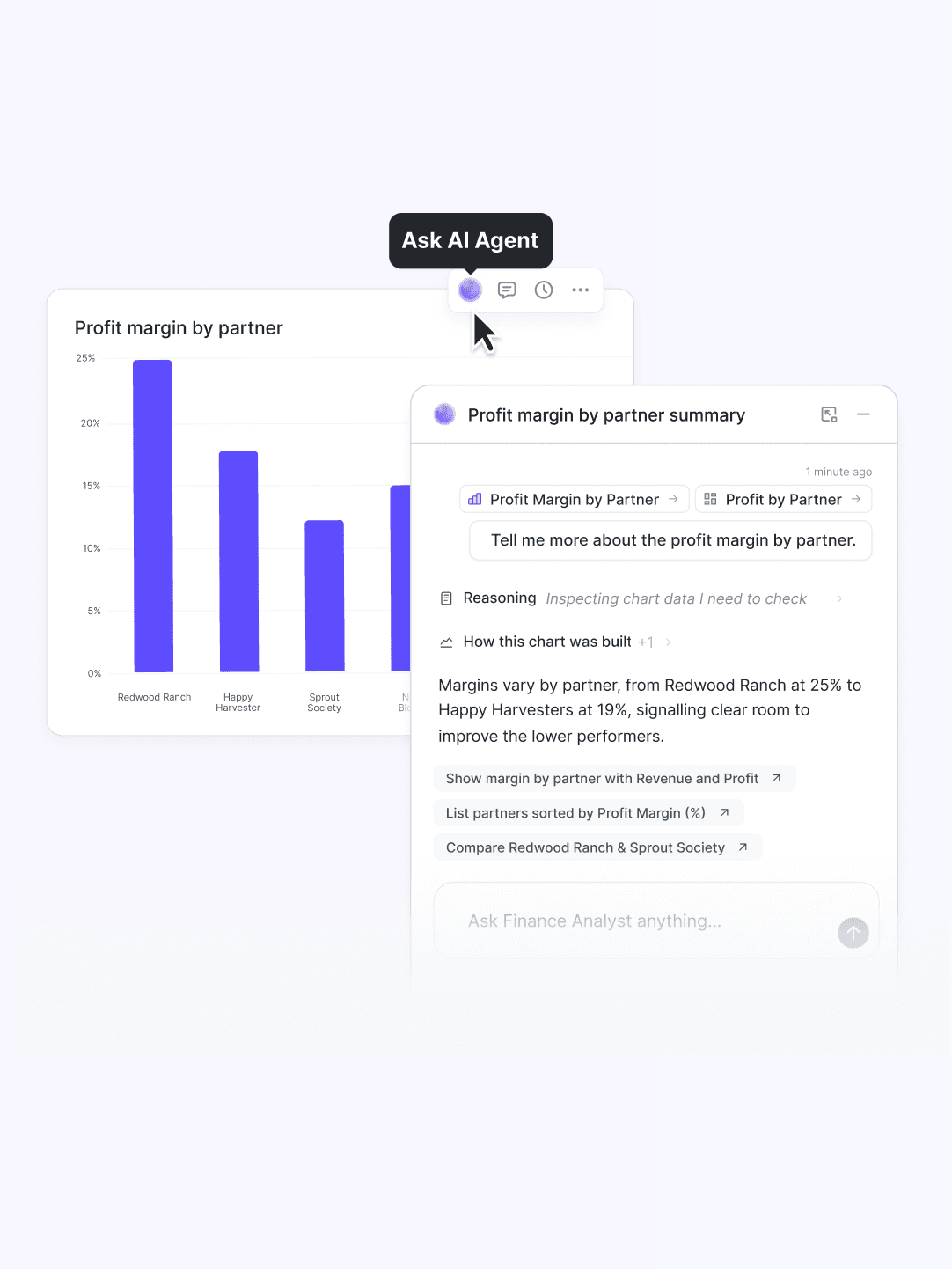
Hit "Ask AI" on any chart or dashboard and start a conversation with that view already pinned as context.
In Slack and Teams
Embedded in your product

Built for the people who don't write SQL.
Anyone can ask in plain English and get an answer, without touching SQL or the query builder.
Ask in any language
Questions in French, Japanese, Portuguese, and more. All answered, with the chart, in the same language.
Show me what I can ask
Even vague questions work



For any other questions, reach out to our team.
Can each team have its own agent?
Yes. You can create specialized agents for each team (Marketing, Finance, Growth, etc), each scoped to the right data and business context, and the AI Router sends every question to the best-fit one automatically. You control which tables, fields, and metrics each agent can access.
Which LLM does it use?
Lightdash is LLM-agnostic and works with multiple models from Anthropic and OpenAI. You're not locked into one provider, and you can use the model that performs best for your data.
Why not just point ChatGPT or Claude at our warehouse?
A raw LLM on your warehouse guesses at table joins and invents metrics, with no shared definition of "revenue." Lightdash agents answer from your governed semantic layer, return a query you can inspect, and learn from your corrections, so the answer is one you can actually put in a board deck.
Does it hallucinate numbers?
The agent builds answers from the metrics you defined in your semantic layer, not free-form SQL, and returns a query you can open and check. When the data isn't there, it says so rather than inventing a figure. Reviews also flags likely-wrong answers so you can fix the source.
What does it cost?
Lightdash is a flat fee with unlimited users and unlimited AI queries. You don't pay more as more of the company starts asking questions.
Do I need dbt to use Lightdash?
dbt is the most common setup, and Lightdash builds its semantic layer inside your dbt project. You can also define the semantic layer in Lightdash YAML against your warehouse without dbt. Either way, every dashboard runs on governed metrics defined once, in code.
I have an infrequently asked question.
Great! We're always around to help. You can chat to us through the live chat on this webpage, or talk to us in our Slack community.


