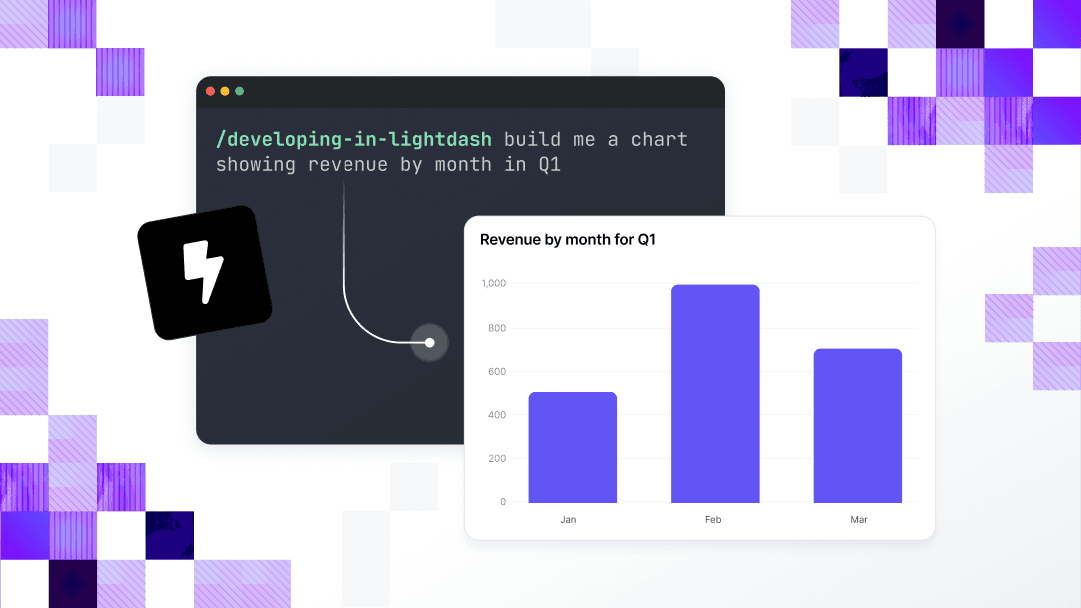
Your metrics, charts, and dashboards live as code. Build them with coding agents, review them in pull requests, and update 50 charts in one command. All on your governed context layer.

The best data teams are shipping analytics as software.

Coding agents don't have to click through a dashboard builder.

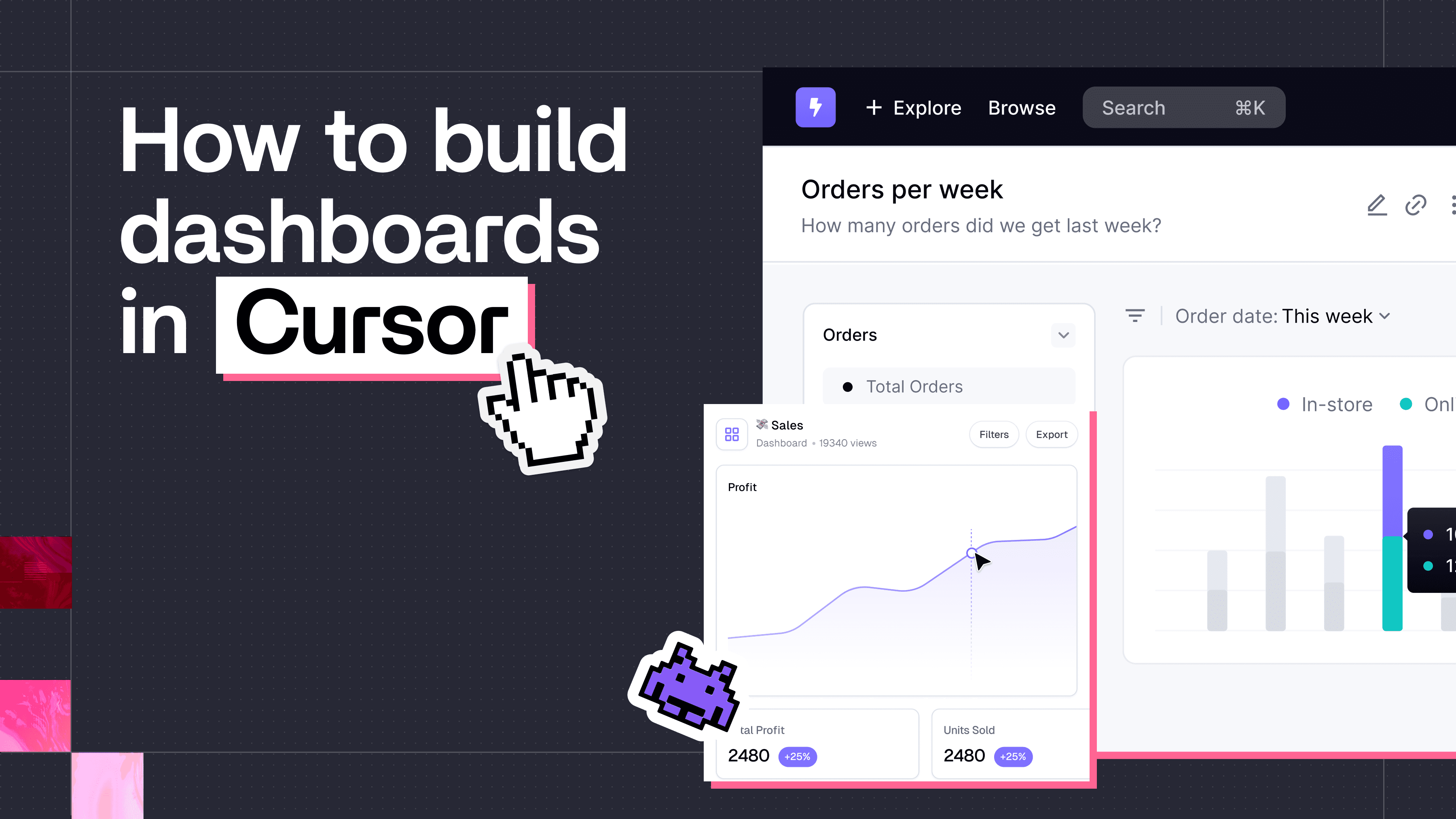
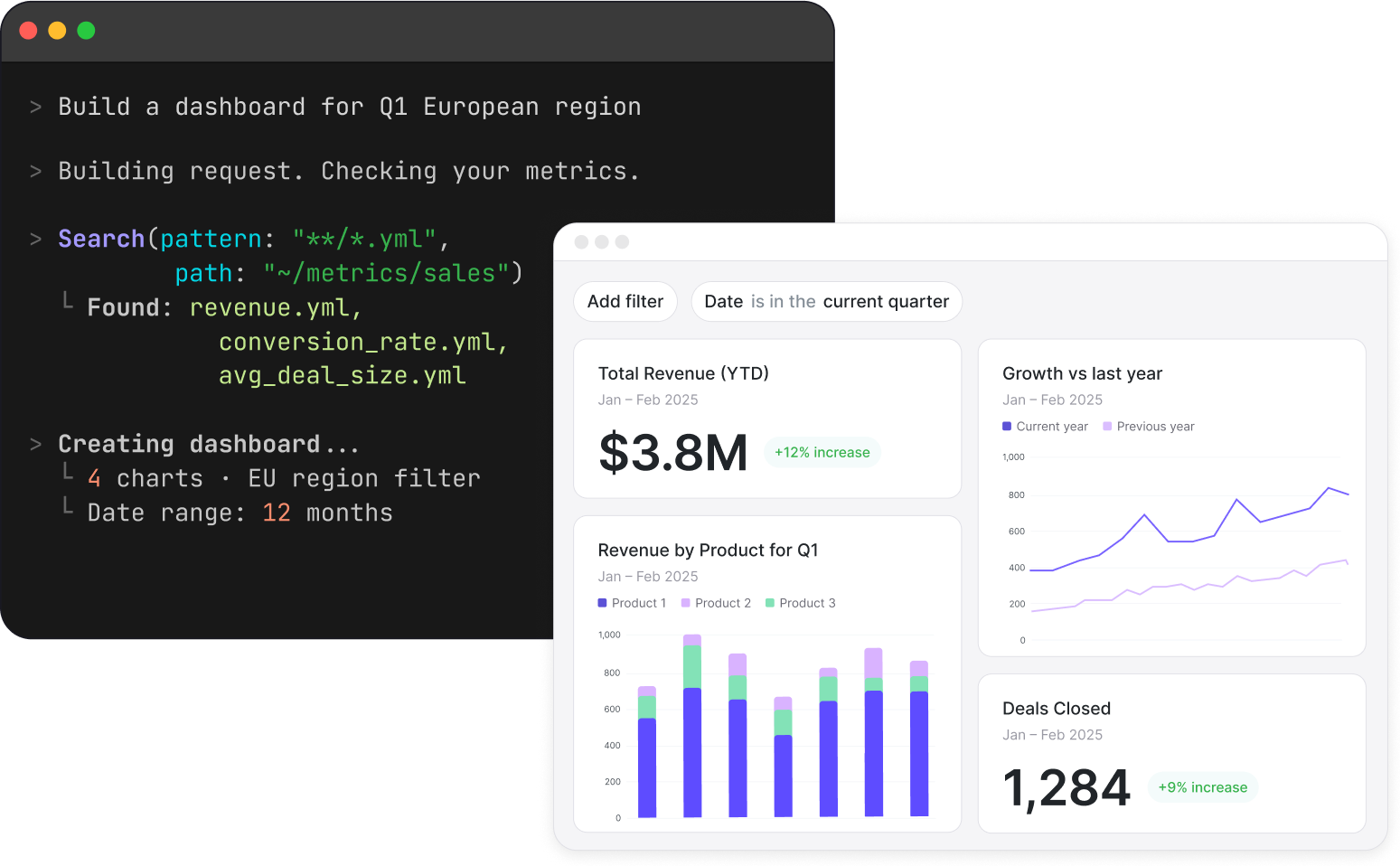
Describe the dashboard. Your agent writes it.

Use Lightdash skills to teach your coding agents how the platform works, and start building dashboards from prompts.

A coding agent in the terminal building a dashboard from a prompt

Review analytics like you review software.

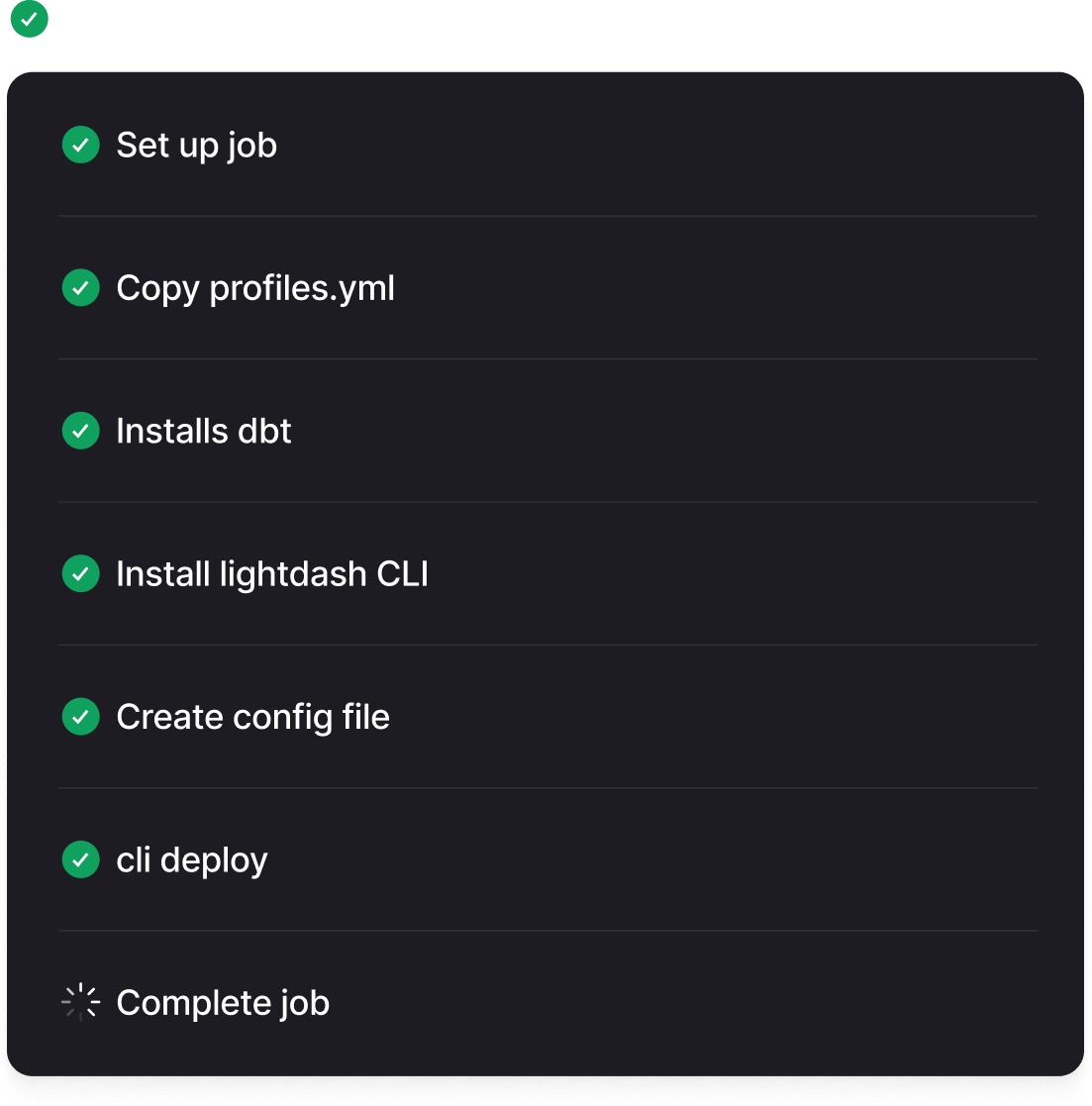
Every chart and dashboard is a file, so changes move through the workflow your team already trusts: open a PR, spin up a preview environment straight from the CLI, get a review, merge.

A CI job checking a branch before it merges into main

Run maintenance in one command.

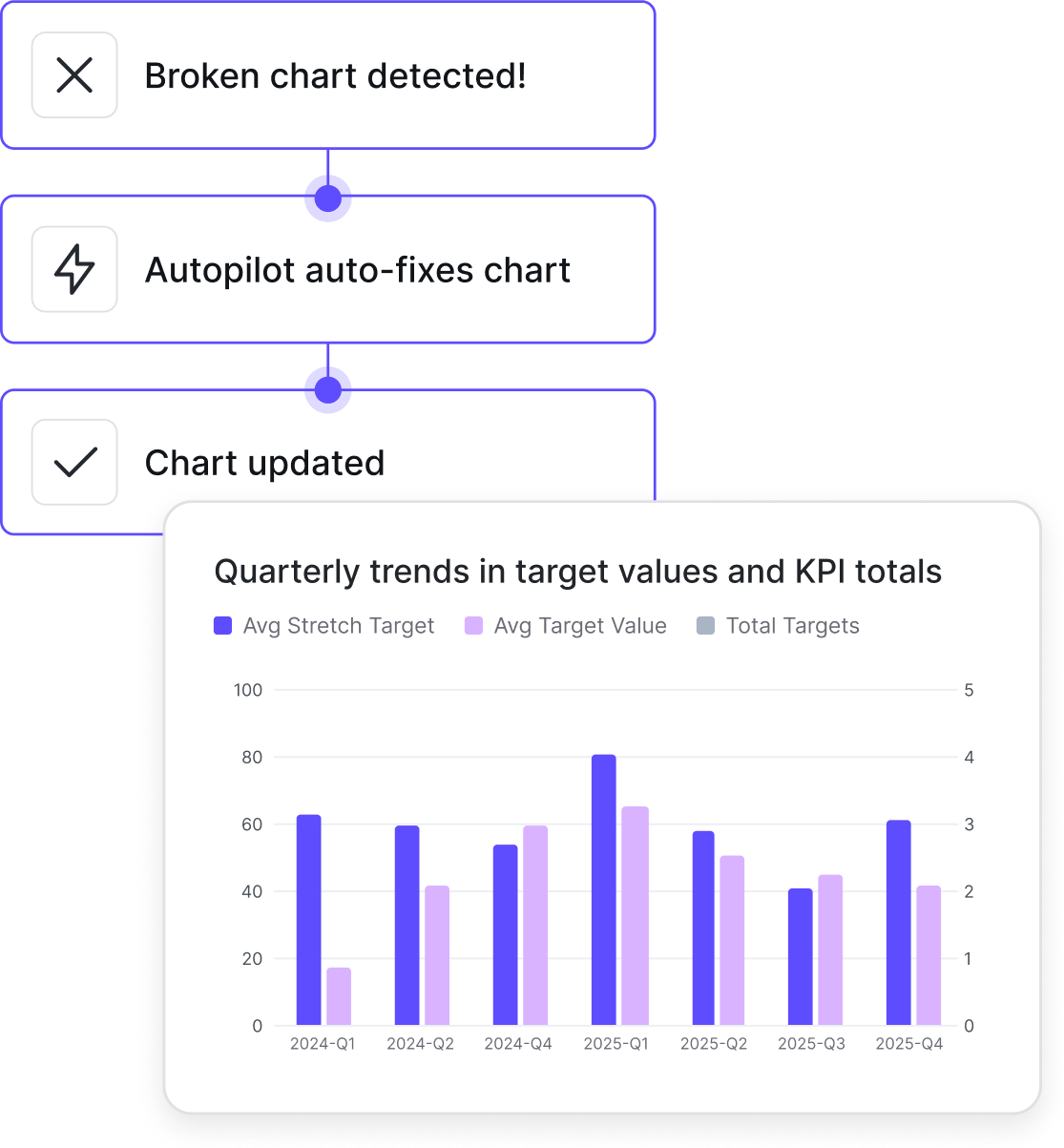
Make maintenance work scriptable: validate your whole project in CI, fix what breaks in bulk, and migrate off your current tool with a script instead of a quarter of rebuilds.

A broken chart handed to a coding agent to fix

What makes analytics as code work

Lightdash CLI

Deploy, preview, validate, and rename from your terminal or CI.

MCP server

Connect Claude, Cursor, or your internal agents to Lightdash.

Agent skills

One command teaches your coding agent Lightdash conventions.

Git integrations

GitHub, GitLab, Azure DevOps, and Bitbucket, with PR previews.

“The shift to dashboards-as-code and agent-driven workflows has been huge for us. We can update, version, and replicate analytics the same way we ship software without spending hours clicking around the UI.”

Kevin OtteKevin OtteData Scientist @ fal.ai
of agent-generated code approved
90%
minutes to go from data model to dashboard
30
of data requests answered in 24 hours
85%
Read case study
fal.ai
of agent-generated code approved
90%
minutes to go from data model to dashboard
30
of data requests answered in 24 hours
85%

Frequently Asked Questions

For any other questions, feel welcome to reach out to our team.

Talk to our team

From the blog

Keep building with analytics as code

Give your agents access to your metrics in minutes.
SCORE 0