
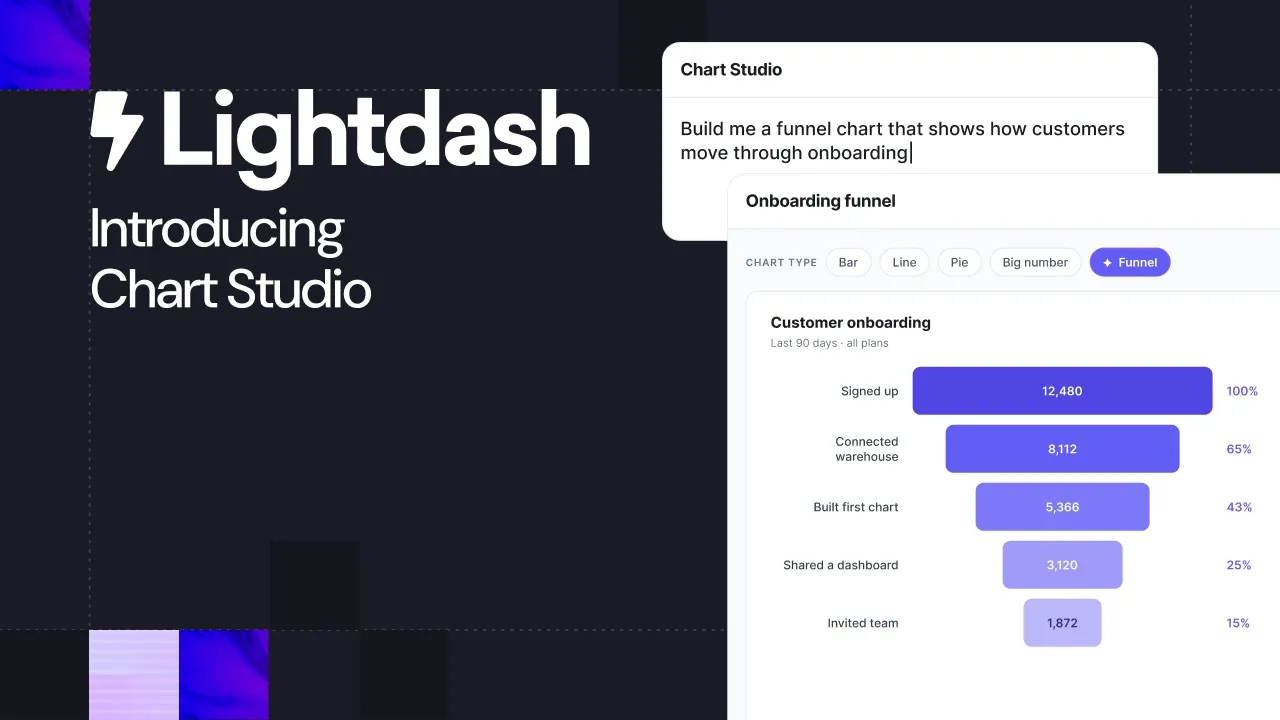


Chart libraries. You can’t live with ’em, you can’t live without ’em.
So when AI let anyone build their own visualizations, it sent a shockwave through the data community. Now, data teams are swimming in Claude Artifacts, but every chart looks different. And when someone finally nails your company’s brand in a dashboard, nobody else can replicate it.
Today we’re launching Chart Studio: a new way to build any visualization you can imagine but with all the features you expect from a native chart library. They can be reused by your team and agents, across dashboards, and they’re version controlled too.
Chart Studio makes building custom visualizations easy
Lots of analytics tools technically support custom visualisations. In Looker, that means writing JavaScript against an SDK and hosting the file yourself. In Power BI, it means spinning up a TypeScript project, setting up a dev environment, packaging it all up, and waiting for approval.
That's fine if you've got a developer on hand and the chart is worth a mini engineering sprint - but most chart requests aren't.
Chart Studio brings the whole process into Lightdash. Describe what you want in plain language, and an agent builds the chart type for you. The finished chart type lands right next to the built-in options, running on the governed data already in your project.
Build a custom chart gallery for your project
When you create a chart type in Chart Studio, you can save it to your project. From there, anyone can reuse it with a different query, just like any built-in chart.
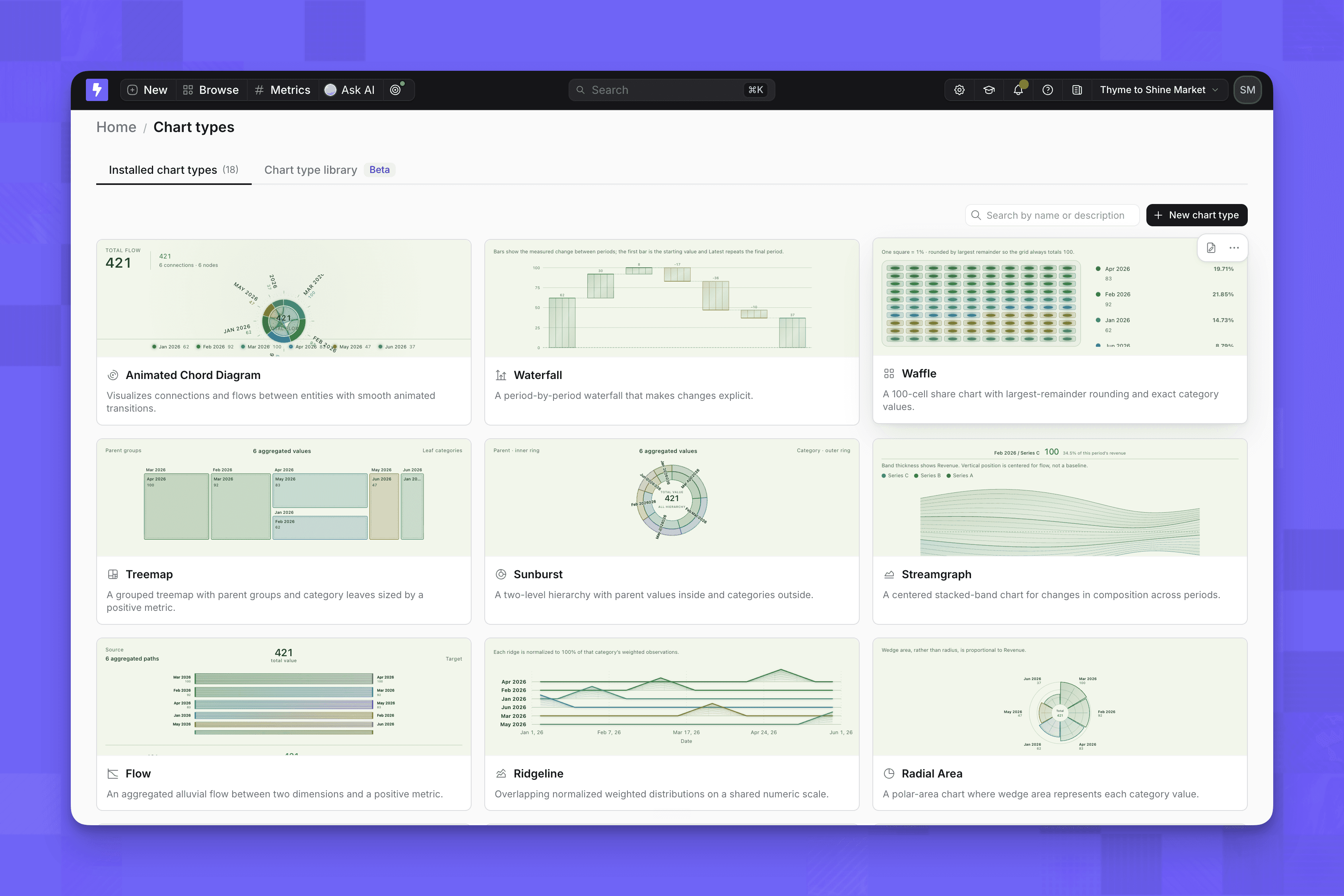
Say your growth team builds a funnel that matches how customers move through your product. The product team can reuse the same chart type for onboarding, while sales uses it for pipeline. The structure stays consistent, but each team chooses the metrics and dimensions that matter to them.
Chart types can currently be reused within a project, but we’re working on making them reusable across an organization too.
Update one chart type instead of every chart
We knew that reusable chart types would only be helpful if they were easy to maintain. So when you want to change one, you go back to Chart Studio and ask the agent.
Because each chart type has one source of truth, you can roll that update out to every chart that uses it. Nobody has to hunt down every chart and make the same edit by hand. Your custom chart type becomes a project asset, rather than another piece of dashboard debt.
And because every chart type runs on the semantic layer, even a completely custom chart uses the same governed metrics as every other chart in your project. In Lightdash, custom doesn’t mean ungoverned.
Custom chart types as code
Chart Studio might start with a prompt, but what it builds is real code. Every chart type can be downloaded with the Lightdash CLI as a buildable project, with its source, dependencies and a manifest that declares exactly which inputs it expects.
So you can treat chart types like the rest of your analytics stack: commit them to Git, review changes in a pull request, and tweak the code locally. Then push it back with lightdash upload --chart-types and Lightdash rebuilds it as a new version.
It works across projects too. Download a chart and its chart type comes along with it, so promoting a chart from staging to production doesn't leave its visualization behind.
You can dive deeper into custom chart types as code in our docs.
Want to try it yourself?
If you’re already a Lightdash customer using Data Apps, you can use Chart Studio today. Open your project, go to Chart Types, and describe the chart you want to create.
If you’re new to Lightdash, start a free trial or talk to our team. We’d love to see what your team can build.
Ready to free up your data team?
Try out our all in one open, developer-loved platform.