Build custom apps on your data from a single prompt

The data teams shipping custom apps with Lightdash

Trust every app your team builds.
Every Data App runs on your context layer, so the numbers trace to definitions your team already trusts.
Permissions carry over
Apps inherit your roles, user attributes, and row-level security, so each viewer sees only their own data.
Every query is visible
The network inspector shows each query an app runs. Hover any number in the app to highlight the exact query behind it.
Always check the math
Open any app query in an explore, view the underlying rows, or save it back to Lightdash as a governed chart.





Finance
Marketing
Customer success
Product
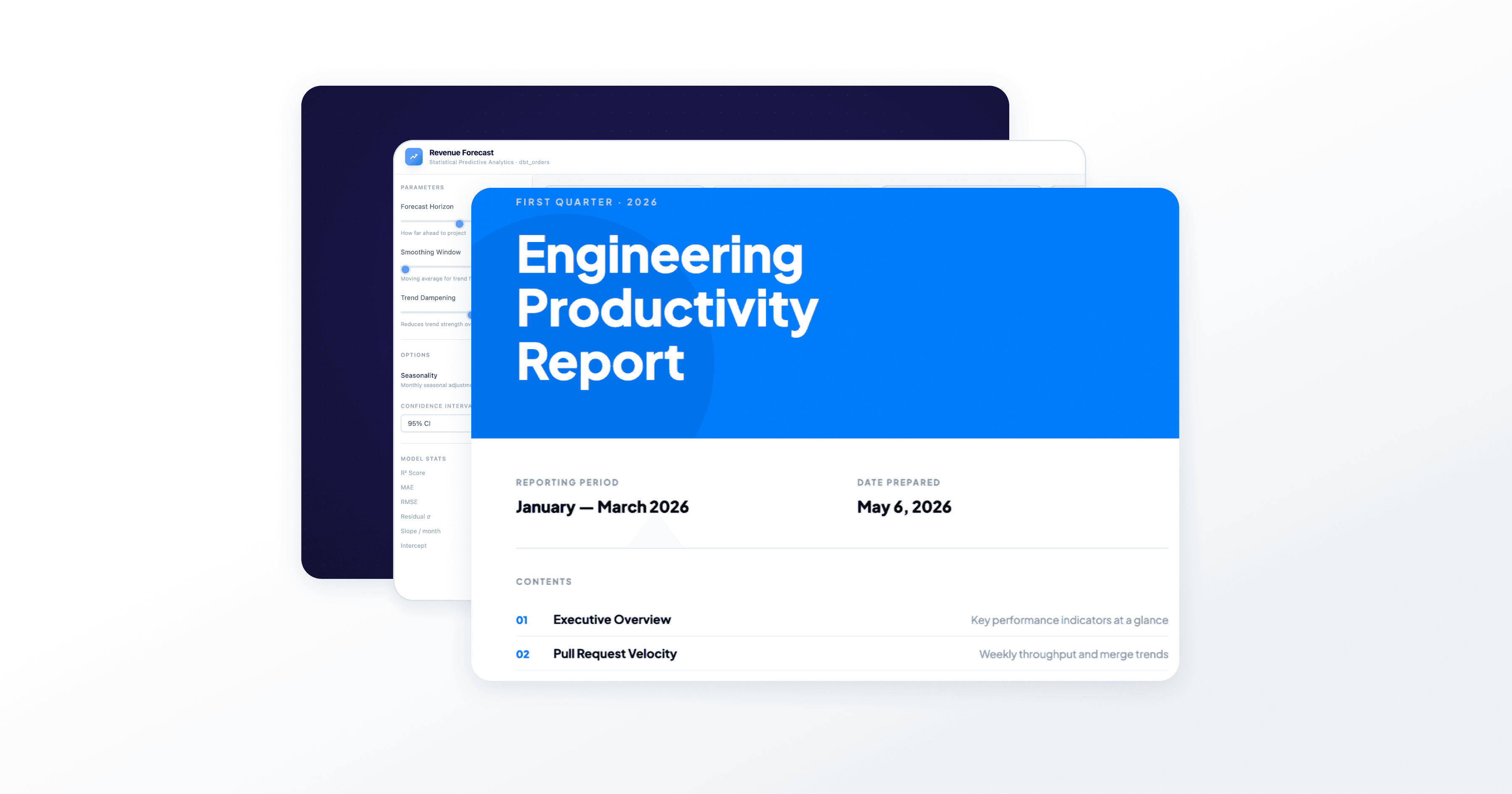
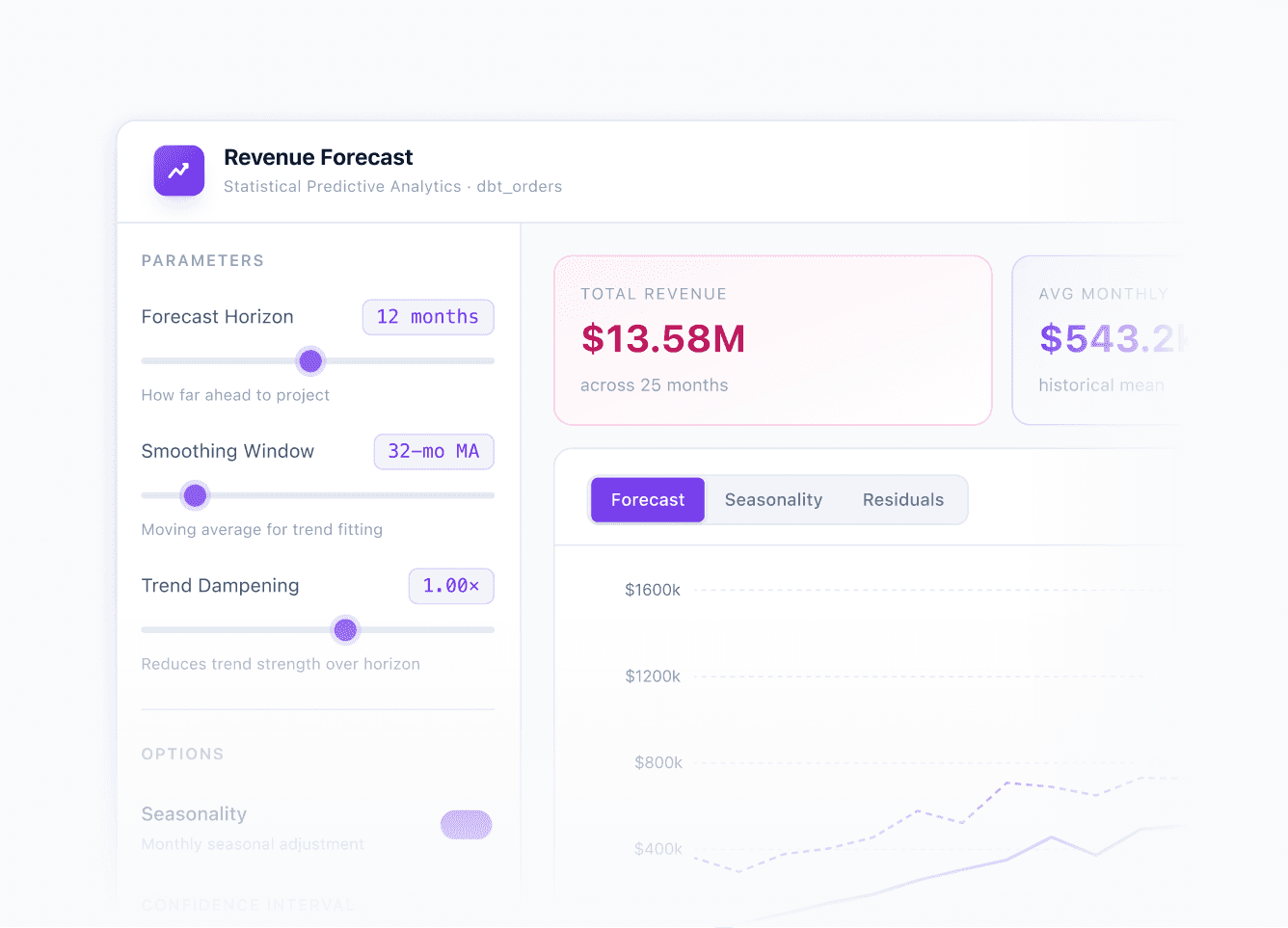
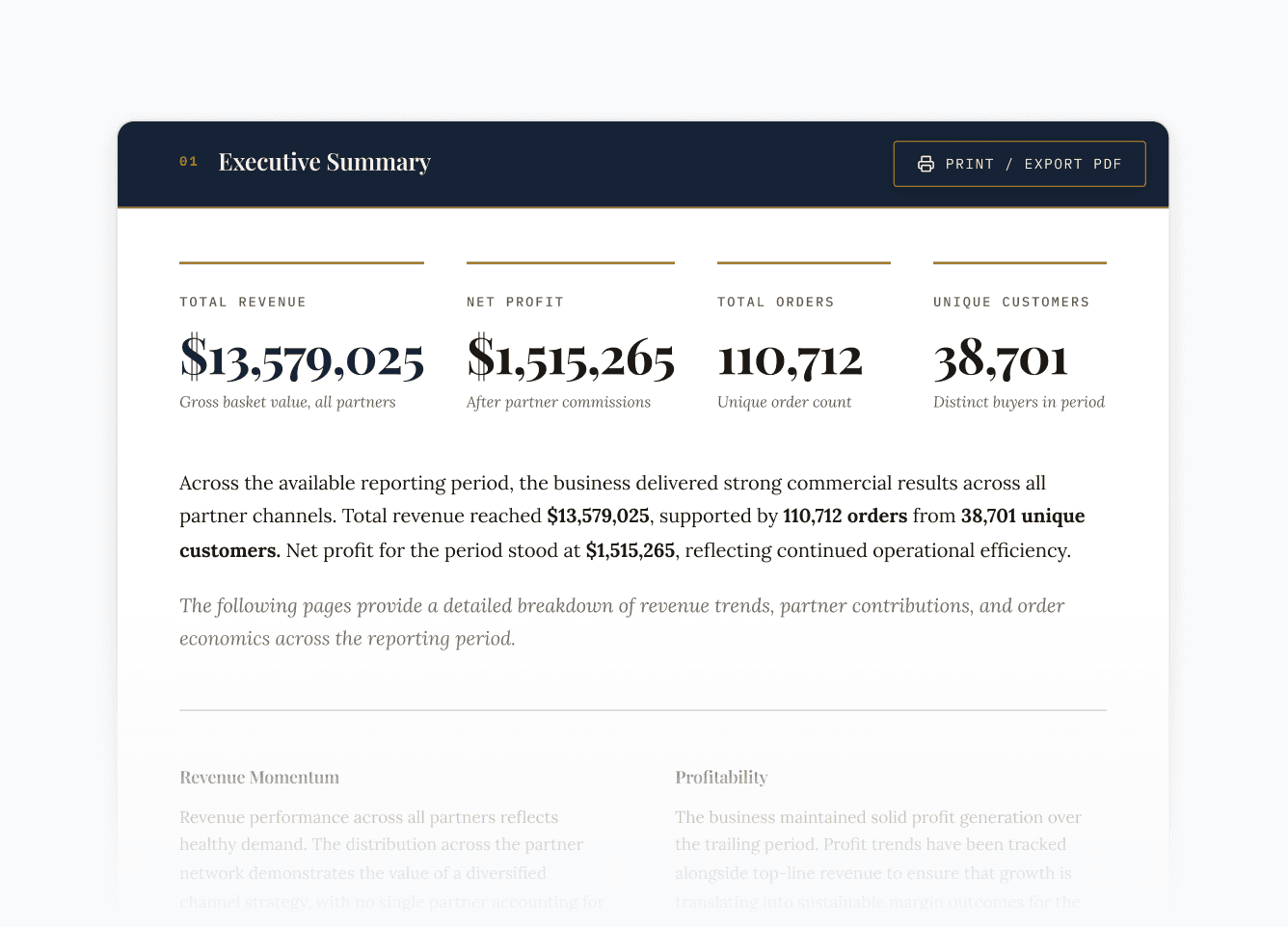
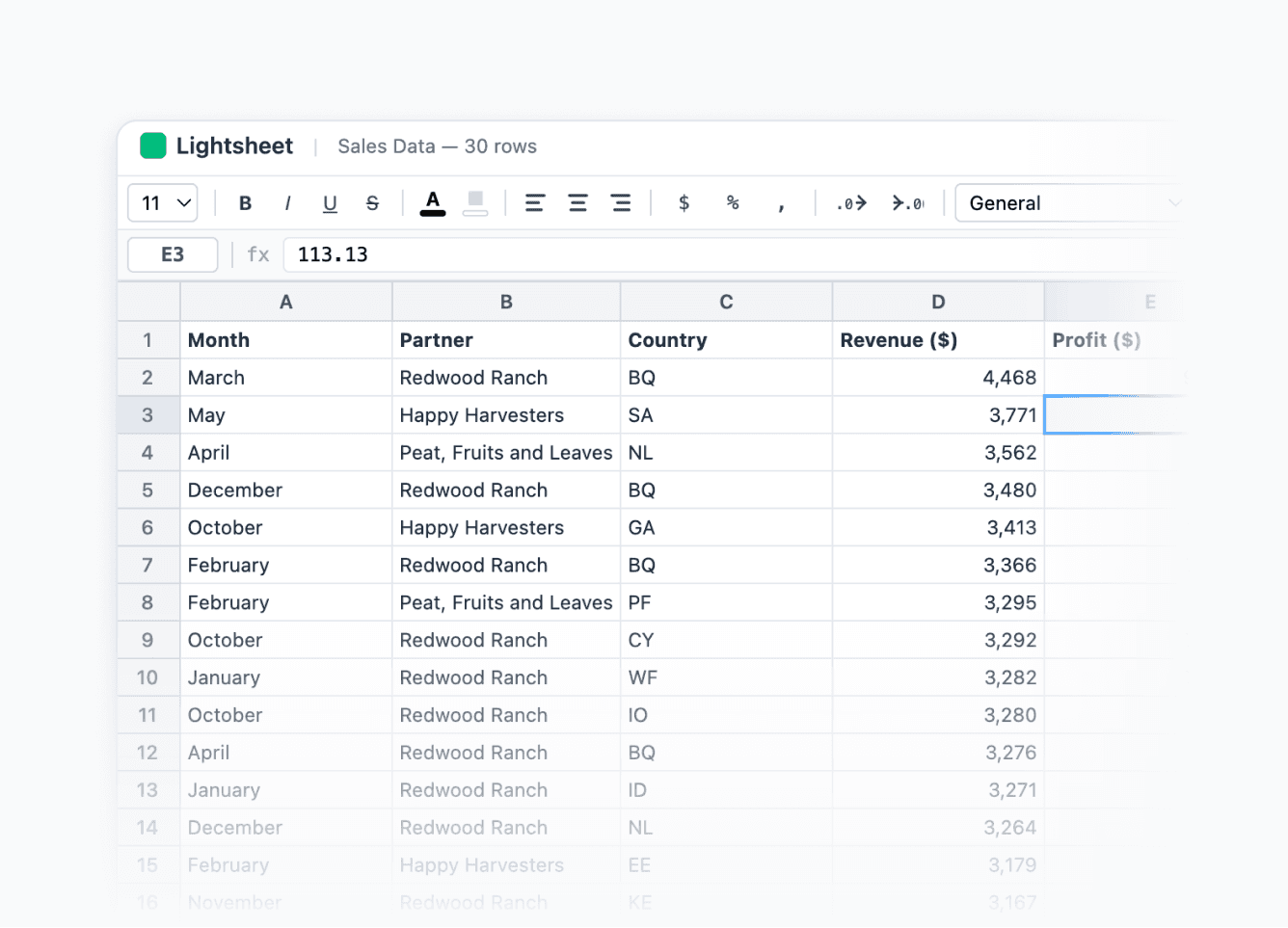
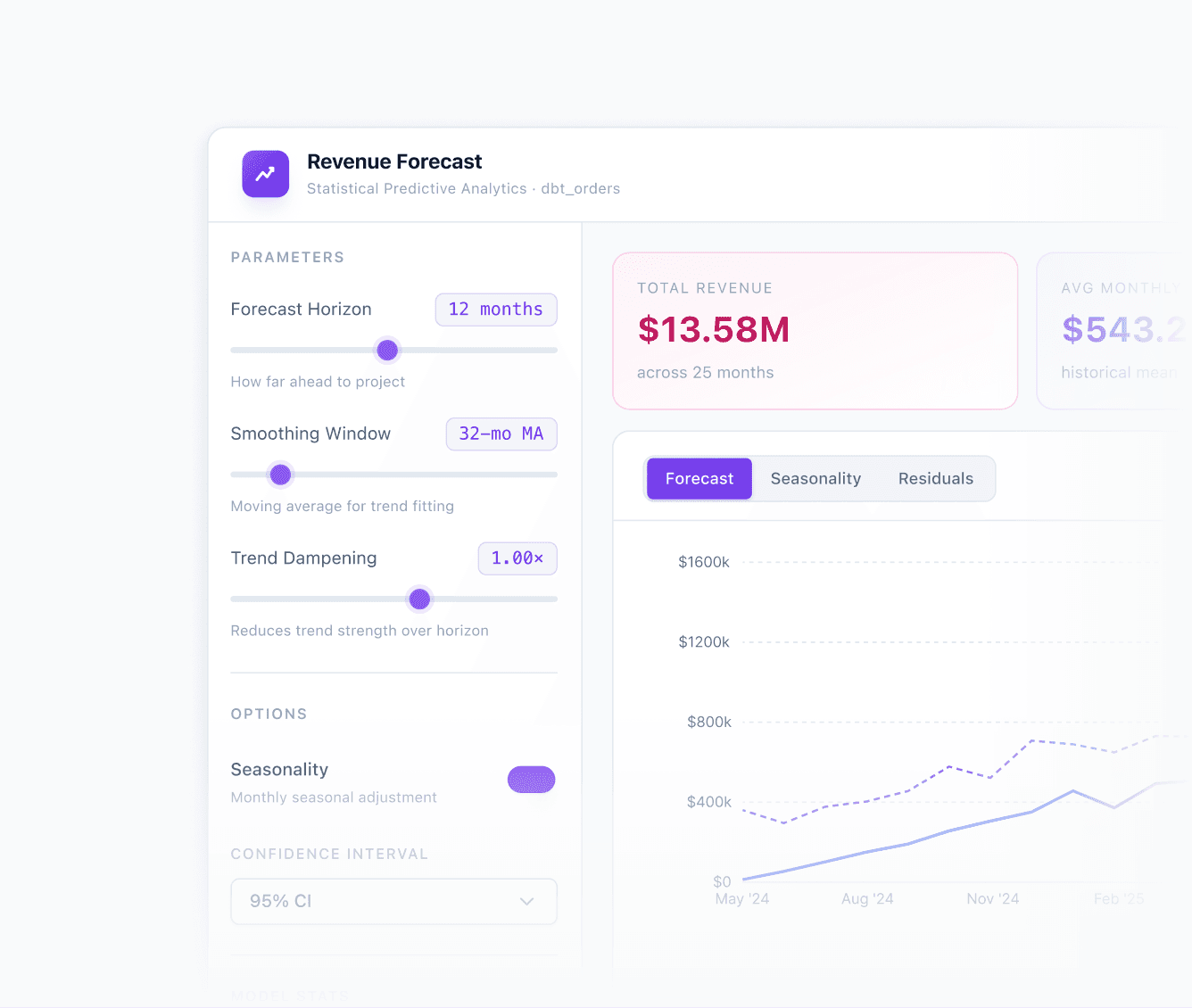
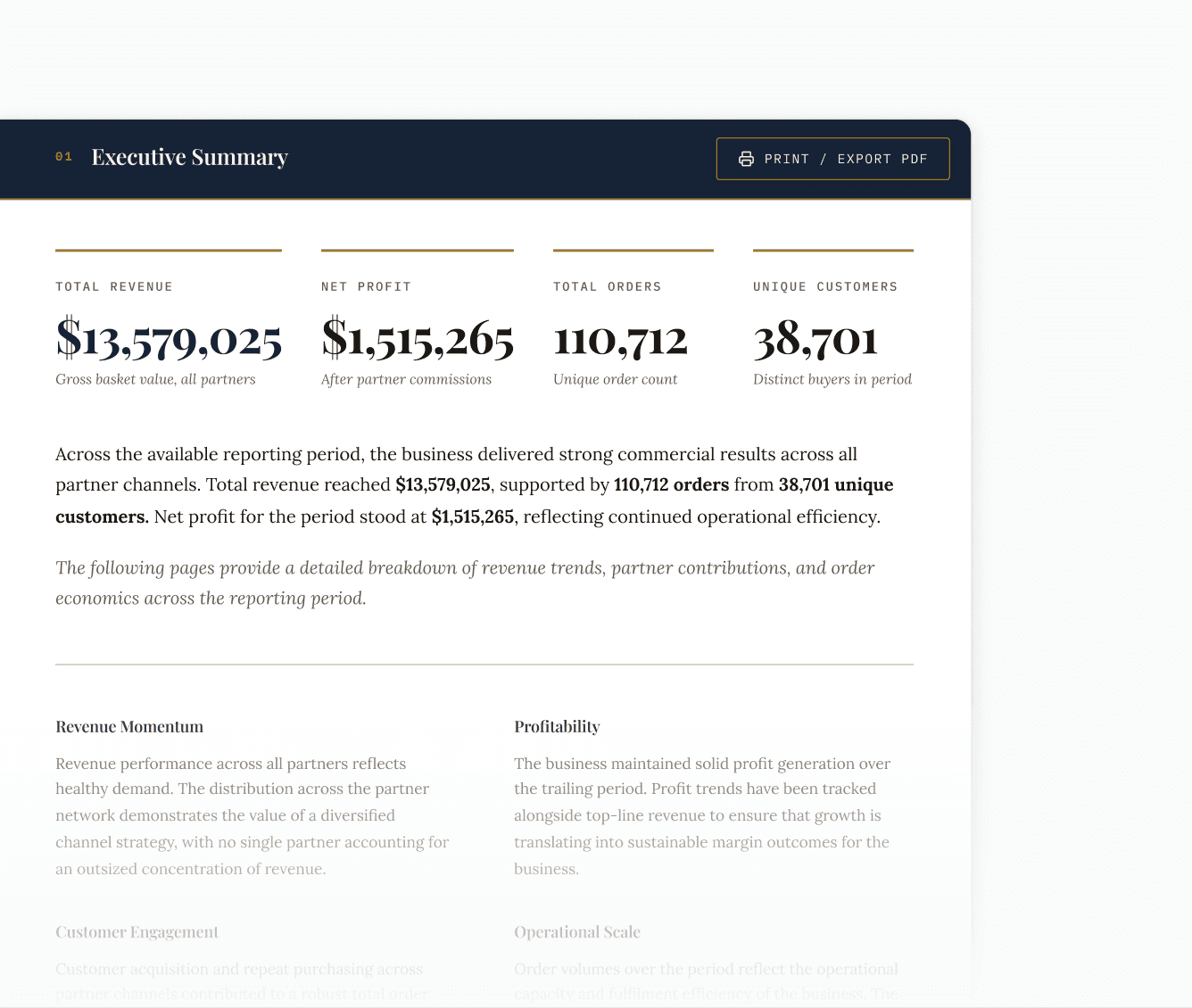
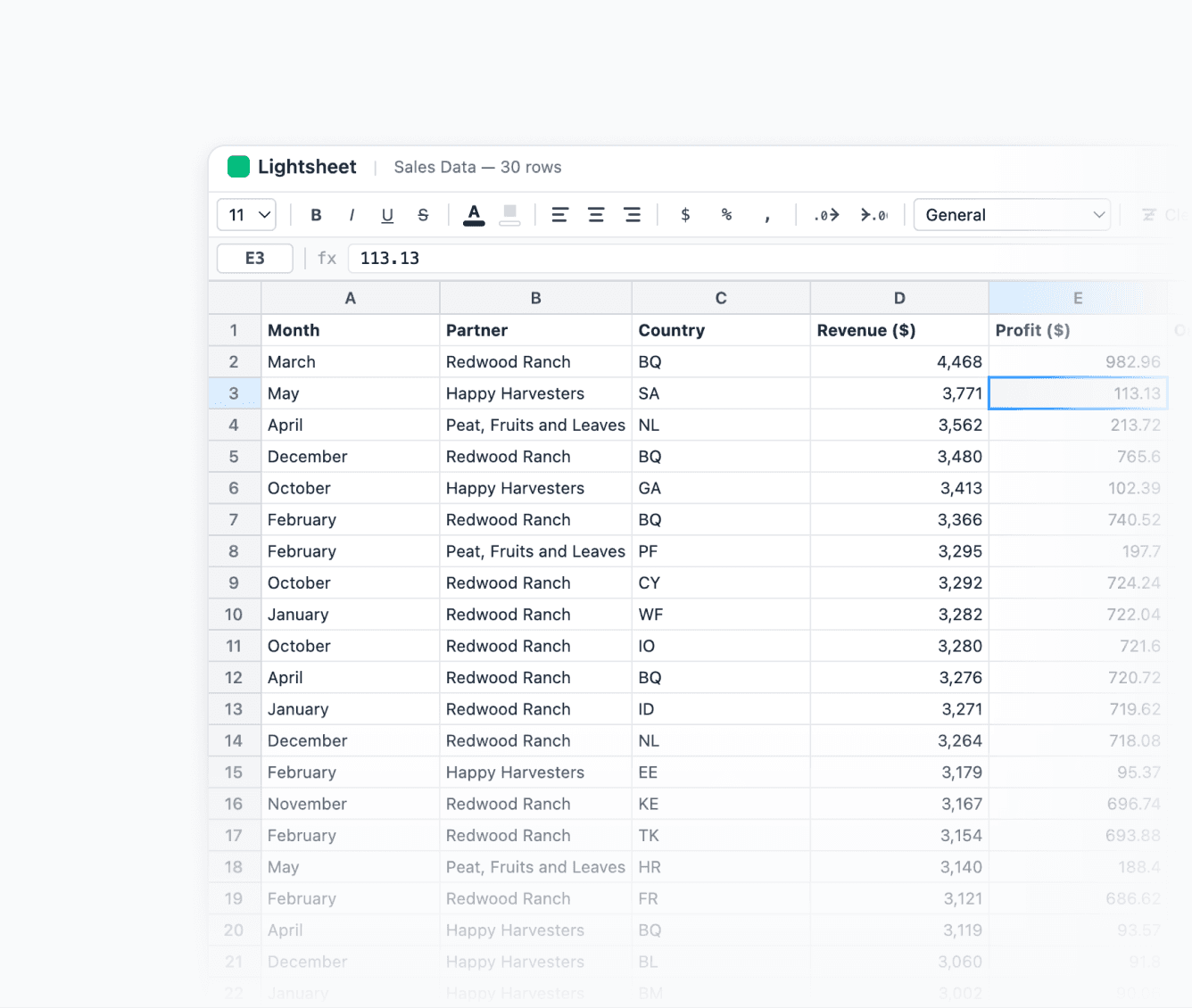
Is your finance team running forecasts in a spreadsheet? Build a revenue forecasting app on your governed metrics instead. Adjust assumptions, watch the impact live, and export the whole thing as a board-ready deck.

If you can describe it, your team can ship it.
Data apps as code.
Get a vibe-coding experience for business users and a real dev workflow for your team on the same platform.
Use the CLI
Pull an app's source with the CLI, edit locally (your coding agent gets the full context), and upload to publish a new version.
Review in pull requests
App source lives in Git, so changes get reviewed like the rest of your analytics code.
Promote and move quickly
Promote apps from preview to production, or copy them between projects and instances.


"As a regulated bank, the data has to come from our golden source. With data apps, people can build whatever they like, but we still control the data and the permissions. That's what lets us open it up."


David Strudwick
Senior BI Engineer @ OakNorth Bank
For any other questions, feel welcome to reach out to our team.
What is a data app?
A Data App is an interactive analytics tool you build inside Lightdash. Think custom reports, analyst workbooks, self-serve dashboards. Anything your stakeholders need that a standard dashboard can't do. Every app runs on your semantic layer, so governance is built-in.
How do I build a data app?
Inside Lightdash, open the app editor and describe what you want. The built-in AI builds it for you. Then tweak it directly in the app: highlight anything and tell it what to change, or use the chat to refine. No code required.
How is this different from building a dashboard?
With a data app, you're not limited to the dashboards or visualizations your BI tool supports. You can build exactly what your use case needs.
Is the data live?
Yes. Every time your data updates, a model changes, or a metric definition is updated, the app reflects it automatically. No manual refresh, no rebuild.
How is this different from building with Claude Code or Lovable?
Tools like Claude Code and Lovable build on raw data.
Data Apps are different because the foundation is your semantic layer, meaning every app you build gets row-level security, role-based access, caching, and your metric definitions automatically, without configuring any of it yourself.
It's the only way to build data apps where the governance is already done.
Can I access data apps through open source Lightdash?
Data apps is a Cloud feature, so it's not included in the OSS version. On Cloud it's enabled by default, and for On Prem instances it can be configured with a license key.